As followers of this blog will know, I’ve been experimenting with a Raspberry Pi (RPi) and one of the uses that I found for it is as a webcam server. I have plans to put a permanent webcam in the TrustIV office window in Manchester and I’ll be using a RPi to do this.
My installation is pretty straightforward:
- Raspberry Pi
- Logitech C270 webcam
- Shared windows folder for storage of images
I installed the standard Raspbian operating system and connected the Pi to the Office network. Once I identified it by IP address, I connected to it via SSH. I left the RPi in “headless mode” without a keyboard, monitor or mouse attached.
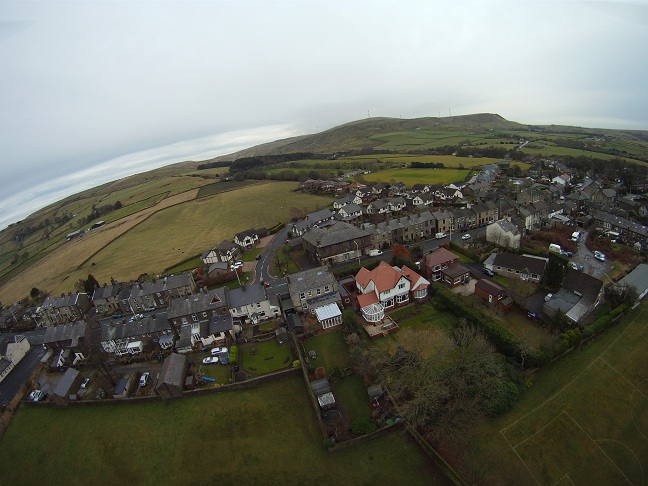
I installed fswebcam software. Fswebcam is a simple webcam app. It captures images from a V4L1/V4L2 compatible device or file, averages them to reduce noise and outputs the image to PNG or JPEG formats. The resulting image can then be saved to a file, like the image below.

Click on the image above to see the timelapse, alternatively read on for the geeky bit…
I mounted an external shared windows folder (called nas) using these commands:
cd /mnt
sudo mkdir nas
sudo mount -t cifs -o username=<username>,password=<password> //PC/nas /mnt/nas
(instructions from the Raspberry Pi adventures blog.
Then I wrote a short script called webcam.sh that created a folder on the NAS and saved images to that share at five-second intervals
mkdir /mnt/nas/$(date +”%Y%m%d”)
sudo fswebcam -r 640×480 -S 15 –jpeg 95 –save /mnt/nas/$(date +”%Y%m%d”)/webcam.jpg
while true
do
sleep5
sudo mv /mnt/nas/$(date +”%Y%m%d”)/webcam.jpg /mnt/nas/$(date
+”%Y%m%d”)/webcam_$(date +”%m%d%Y%H%M%S”).jpg
sudo fswebcam -r 640×480 -S 15 –jpeg 95 –save /mnt/nas/20130121/webcam.jpg
done
run using
sudo ./webcam.sh
To “stitch” the video together, I used Windows Live Movie Maker to convert the folder of images to a time-lapse video. Images were replaced every 0.05 seconds, meaning that the “action” was sped up 160x faster than real life.
If you read this far, well done. The video is now on the TrustIV blog page, click the image below to see the timelapse footage, and keep checking back there for the webcam. (When I finally get round to installing it) 🙂